A simple content calendar for small businesses on Instagram
How to plan a month of Reels, carousels and stories without spending every evening thinking of new ideas.
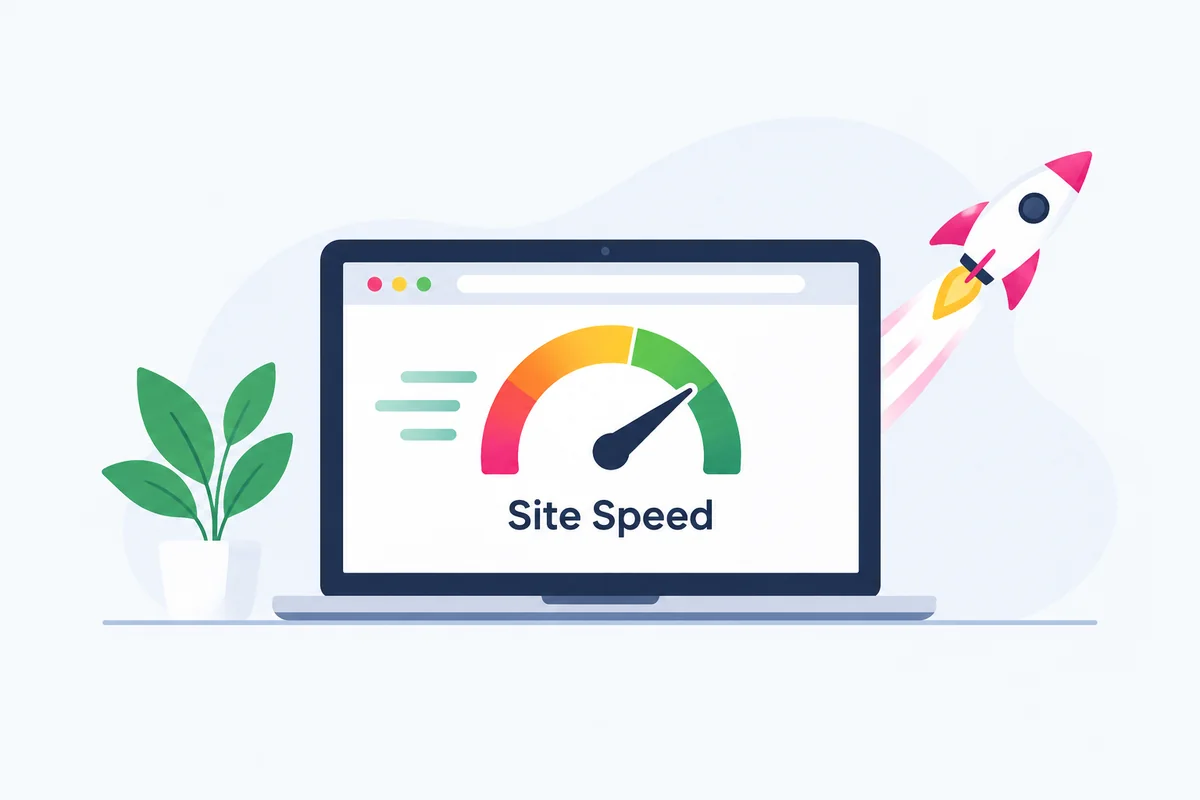
Ask ten business owners what makes a website rank on Google and most will say keywords and backlinks. Both matter. But there is a third factor that quietly decides whether all that effort pays off: how fast your pages load and how smoothly they behave once they do.
A slow website loses visitors before they read a single word. It also gives Google a reason to place a faster competitor above you. In this guide we explain how speed connects to rankings, what Google actually measures, and the exact steps we use at Webzelia to make business websites fast.
Yes, with an honest explanation attached. Google has confirmed that page experience, which includes loading performance, interactivity and visual stability, is used as a ranking signal. It has also said that great content remains the most important factor.
So speed will not turn a weak page into a number one result. What it does is act as a tiebreaker and a multiplier. When two pages answer a search equally well, the faster and more stable one has the edge. And a fast page keeps people reading, clicking and calling, which sends positive signals that support your visibility over time.
Core Web Vitals are three real world measurements Google collects from visitors using Chrome. Instead of asking how fast your server is, they ask how the page feels to a person.
| Metric | What it measures | Good score |
|---|---|---|
| Largest Contentful Paint (LCP) | How long the biggest visible element, usually a hero image or headline, takes to appear | 2.5 seconds or less |
| Interaction to Next Paint (INP) | How quickly the page responds when someone taps, clicks or types | 200 milliseconds or less |
| Cumulative Layout Shift (CLS) | How much the layout jumps around while the page loads | 0.1 or less |
Google judges these scores at the 75th percentile of real visits. That means three out of four of your visitors need a good experience for a page to pass, not just the ones on fast broadband.
Rankings are only half the story. Even if Google sends someone to your site, a slow page can lose them in seconds. Google's own research has found that more than half of mobile visits are abandoned when a page takes longer than three seconds to load.
Think about what that means for a local business. Someone searches for a clinic, a law firm or a restaurant on their phone, taps your result, and stares at a blank screen. They go back and tap your competitor instead. You paid for the website, the marketing and the click, and lost the customer to a loading bar.
A simple way to see the costIf your website gets 1,000 visitors a month and a slow page loses even one in five of them before they can read anything, that is 200 potential customers gone every month, without you ever knowing.
Google now uses the mobile version of your website for indexing and ranking. In Pakistan and across most markets, the majority of searches happen on phones, often on mobile data that is slower and less stable than office WiFi.
A page that feels fine on your laptop can be painfully slow on a mid range phone and a 4G connection. That is why we always test on real devices and judge speed by mobile results first.
After auditing many business websites, the same problems appear again and again:
You do not need to rebuild your site to see real gains. Work through these fixes in order, starting with the ones that usually give the biggest improvement.
Use modern formats such as WebP, resize images to the largest size they are actually displayed at, and compress them before upload. Always set width and height on images so the layout does not jump.
Images further down the page should load only when a visitor scrolls near them. Do the opposite for your main hero image: load it first and give it priority, because it usually controls your LCP score.
Choose hosting with fast server response times and servers close to your visitors. A content delivery network stores copies of your files in multiple locations so people receive them from the nearest one.
Browser caching lets returning visitors reuse files they already downloaded, and Gzip or Brotli compression makes the files that must be sent much smaller.
Remove plugins you do not use, minify CSS and JavaScript, and delay or remove third party scripts that do not directly help you win customers. Every script should earn its place.
This is where a custom website pays off. Because the code is written only for your pages, there is no unused bloat to download, and speed is planned from the first sketch rather than patched in later.
Before you change anything, measure. These free tools show you where you stand:
Test your homepage and your most important service or product pages, not just one URL, and check again after each round of fixes.
Use this list to review your own site or to brief a developer:
Yes. Google uses page experience signals, including Core Web Vitals, as part of how it ranks pages. Speed will not outrank great content on its own, but when two pages are equally relevant, the faster and more stable page has the advantage.
Aim for your main content to appear within 2.5 seconds, which is Google's threshold for a good Largest Contentful Paint. Most visitors expect a page to feel usable in under three seconds, especially on a phone.
Use Google PageSpeed Insights and the Core Web Vitals report inside Google Search Console. Both are free and show real visitor data and specific fixes for your pages.
Usually yes. A faster site keeps more visitors on the page, helps search engines show your pages higher, and removes friction from forms and checkout, which all lead to more enquiries and orders.
Often they do, because they load large amounts of code and plugins that a page does not actually use. A lean custom build loads only what each page needs, which is why custom websites tend to score better on speed.
Content and links get you into the conversation, but speed decides how many visitors you keep and how many of them become customers. The good news is that speed is one of the few ranking factors fully within your control. Measure it, fix the biggest problems first, and keep checking as your site grows.
If you would rather have a team handle it, Webzelia builds fast, search ready websites and can audit your current one. Request a free speed audit and we will tell you exactly what is holding your site back.
Webzelia is a professional web development and digital marketing agency. We build fast custom websites, ecommerce stores and web applications, and run SEO and social media campaigns for businesses across the world.

How to plan a month of Reels, carousels and stories without spending every evening thinking of new ideas.
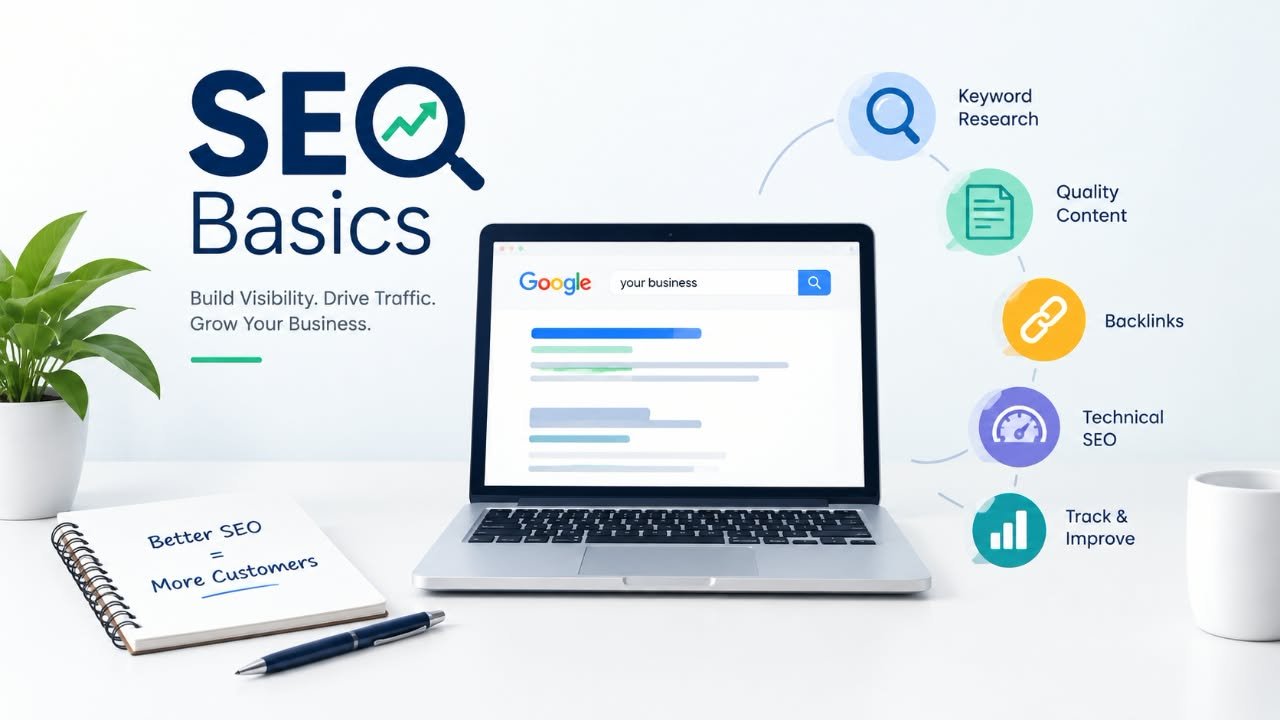
The Google Business Profile settings, citations and on page fixes that move local rankings fastest.
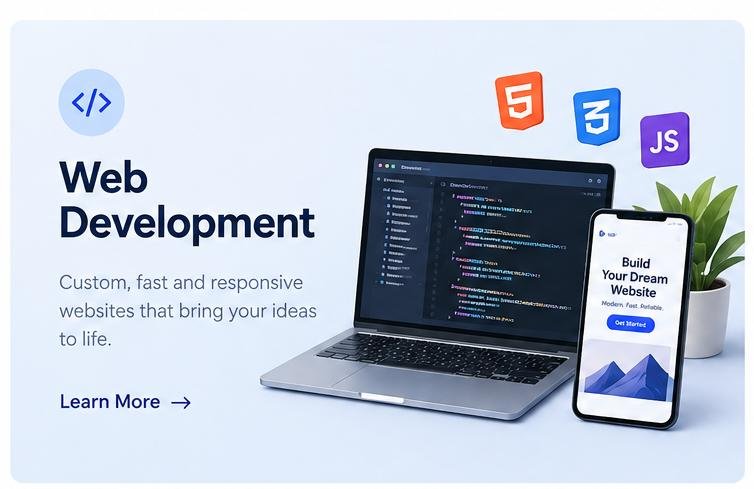
See how we design and hand code fast websites that look like your brand and bring in customers.
Send us your website address and we will review your speed, Core Web Vitals and basic SEO, then reply within one business day with clear, honest next steps.
Webzelia is a web development and social media marketing agency, building websites, web apps and growth campaigns for businesses across the world. Find out countries we serve.